
Rahul
 LeetCode #155: Min Stack — Design a Stack with O(1) Minimum Retrieval
 LeetCode #20: Valid Parentheses — Master the Stack Pattern
 LeetCode #15: 3Sum — Master Sorting, Two Pointers and Duplicate Handling
 Instruction vs Context in AI Prompts: How to Tell AI What to Do and What Information to Use
 Rust Structs and Enums: Building Powerful Data Models
 Dissecting the High-Level System Architecture of Booking.com
 Kanban vs. Scrum: Which Agile Methodology to Choose?
 The Scaling Journey of LinkedIn: From Startup to Professional Powerhouse
 Mastering Code Review: A Guide for Reviewers and PR Creators
 ChatGPT: Unveiling the Power of AI in Conversational Experiences with Kairos Coders

Kairos Coders are here to help
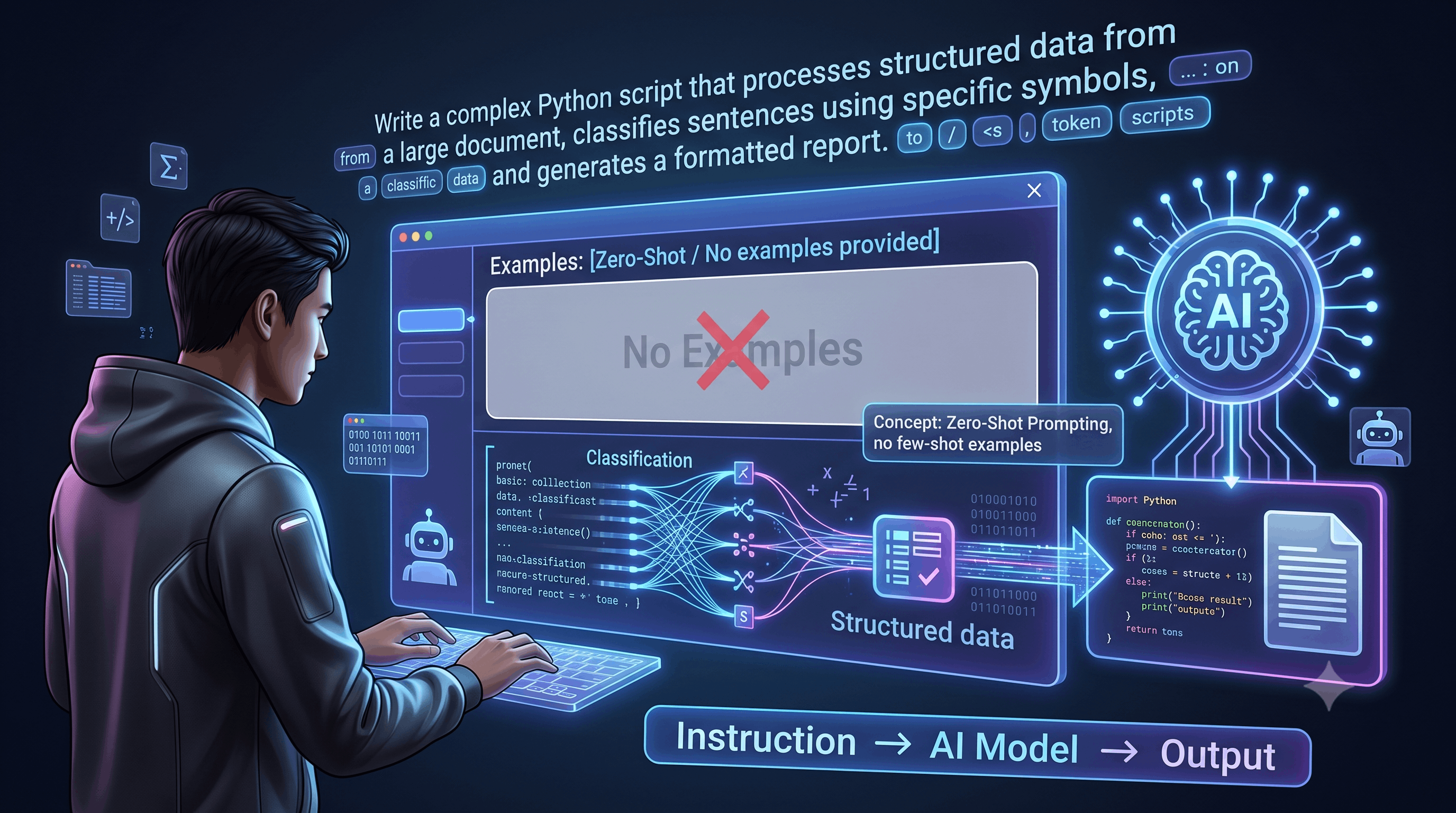
One of the simplest and most useful prompt engineering techniques is also one of the easiest to understand:
Zero-shot prompting.
You give an AI model a task, provide the necessary instructions and context, but do not provide examples of the desired input-output behavior.
For example:
"Classify the following customer review as Positive, Negative, or Neutral:
'The product arrived quickly, but the packaging was damaged.'"
There are no examples showing the AI what Positive, Negative, or Neutral looks like.
The model must understand the instruction and perform the task directly.
That's zero-shot prompting.
It sounds simple—and it is—but learning how to write effective zero-shot prompts is an important foundation for more advanced techniques such as few-shot prompting, prompt chaining, structured generation, and AI agents.
Zero-shot prompting is a prompting technique where an AI model is asked to perform a task without being given examples demonstrating how to perform that task.
The model receives an instruction and attempts to execute it using its existing learned capabilities.
For example:
Translate the following sentence into Spanish:

"Artificial intelligence is changing software development."
No translation examples are provided.
The model simply follows the instruction.
Another example:
Determine whether this statement is factually consistent:

"Water freezes at 0°C under standard atmospheric pressure."
Again, there are no examples.
This is zero-shot prompting.
The word shot refers to an example of a task.
Therefore:
Zero-shot
= 0 examples

One-shot
= 1 example

Few-shot
= Several examples
The model still has extensive knowledge from its training.
"Zero-shot" does not mean the model knows nothing.
It means:
You haven't provided task-specific examples inside the prompt.
This distinction is extremely important.
Traditional programming generally requires you to explicitly define the rules.
For example:
def classify_temperature(temp):
    if temp < 10:
        return "Cold"
    elif temp < 25:
        return "Moderate"
    else:
        return "Hot"
The programmer manually defines the logic.
With zero-shot prompting, you might instead write:
Classify the temperature as Cold, Moderate, or Hot based on typical human interpretation.

Temperature: 8°C
The model infers the appropriate classification from the instruction.
This makes LLMs extremely flexible for tasks where writing explicit rules would be cumbersome.
However, it also introduces uncertainty.
At a high level, the process looks like this:
Task Instruction
       ↓
Relevant Context
       ↓
AI Model
       ↓
Model interprets task
       ↓
Generated Output
For example:
Instruction:
Summarize the following article in three bullet points.

Input:
[Article]

        ↓

AI Model

        ↓

Output:
• Main idea
• Important finding
• Conclusion
The model doesn't need an example showing what a three-bullet summary looks like.
The instruction itself provides enough information.
Imagine you want to extract programming languages from text.
Prompt:
Extract all programming languages mentioned in the following text.

Text:
"Sarah develops applications using Python and JavaScript.
She recently started learning Rust."
Possible output:
Python
JavaScript
Rust
No examples were necessary.
Classification is one of the most common applications of zero-shot prompting.
Suppose you're building a customer-support system.
You can ask:
Classify the following customer message into one of these categories:

- Billing
- Technical Support
- Account
- Shipping
- Other

Customer message:
"I haven't received my order yet."
Expected result:
ShippingThe model receives the category definitions and the input, but no examples.
Another common use case is sentiment analysis.
Prompt:
Determine the sentiment of the following review.

Possible labels:
Positive
Negative
Neutral

Review:
"The camera quality is excellent, but the battery life is disappointing."
Depending on your classification rules, the model may select:
Negativeor potentially:
NeutralThis example highlights an important limitation.
If your categories aren't precisely defined, different models or prompts may interpret them differently.
Therefore, good zero-shot prompting often requires clear label definitions.
Compare:
"Classify this review."
with:
"Classify this review as Positive, Negative, or Neutral."
Better yet:
Positive = Overall favorable opinion
Negative = Overall unfavorable opinion
Neutral = No clearly favorable or unfavorable opinion
Now the model has a clearer decision boundary.
Prompt:
Classify the review.

Labels:
Positive = Overall favorable opinion
Negative = Overall unfavorable opinion
Neutral = No clearly favorable or unfavorable opinion

Review:
"The delivery was fast, but the product feels cheaply made."

Return only one label.
The output can now be constrained to:
NegativeSummarization is another excellent use case.
For example:
Summarize the following article in five bullet points.

Focus on:
- Main argument
- Important findings
- Key evidence
- Conclusion

Article:
[ARTICLE]
There are no examples.
The model follows the instruction directly.
Translation usually doesn't require examples either.
For example:
Translate the following sentence from English to Hindi:

"Learning AI requires consistent practice."
Or:
Translate the following paragraph from English to Spanish.
Preserve the original meaning and maintain a professional tone.

[TEXT]
This is zero-shot prompting.
Developers can also use zero-shot prompts to generate code.
For example:
Write a Python function called `is_prime` that accepts an integer
and returns True if the number is prime and False otherwise.

Include type hints and handle numbers less than 2 correctly.
No code examples are provided.
The model generates the implementation based on the instruction.
A possible result might be:
def is_prime(n: int) -> bool:
    if n < 2:
        return False

    for i in range(2, int(n ** 0.5) + 1):
        if n % i == 0:
            return False

    return True
The model inferred the required implementation from the task description.
This is one of the most important lessons.
A zero-shot prompt can still be highly detailed.
Consider:
"Write a blog about databases."
That's zero-shot, but vague.
Now consider:
Act as a senior database engineer.

Write a beginner-friendly explanation of relational databases.

Audience:
Developers who understand basic programming but have never
worked with databases.

Cover:
1. Why databases are needed
2. Tables
3. Rows and columns
4. Primary keys
5. Foreign keys
6. Relationships
7. Basic SQL queries

Constraints:
- Use simple language.
- Include one real-world analogy.
- Include practical SQL examples.
- Avoid advanced database optimization.

Output:
Use Markdown headings and code blocks.
This is still zero-shot because no examples were provided.
The prompt is simply much better specified.
This distinction is fundamental.
Task:
Classify this review as Positive, Negative, or Neutral.

Review:
"The service was fantastic."
No examples.
Review:
"Absolutely fantastic service."
Label: Positive

Review:
"Terrible experience."
Label: Negative

Review:
"The service was fantastic."
Label:
Examples are provided.
The model learns the desired pattern from those examples.
Zero-shot prompting is often a good first approach when:
Example:
"Summarize this paragraph."
Example:
"Translate this sentence into French."
Sometimes you simply don't have representative examples available.
Zero-shot prompting can reduce prompt size compared with approaches that require many examples.
When developing an AI application, zero-shot prompting is often a sensible baseline.
Zero-shot prompting can struggle when the task has:
Suppose your company has 25 internal support categories.
Simply saying:
"Classify this ticket."
may not be sufficient.
You might need examples or detailed definitions.
This is where few-shot prompting becomes useful.
Let's examine:
"Classify this customer."
What does classification mean?
Perhaps:
The task itself is undefined.
A better prompt:
Classify the customer as:
- Enterprise
- Small Business
- Individual

Use the customer's company size and purchasing behavior
to determine the category.

Customer:
[DATA]

Return only the category.
Now the task is much clearer.
When classification matters, provide rules.
For example:
Classify the account as:

Enterprise:
More than 500 employees.

Mid-Market:
100–500 employees.

Small Business:
Fewer than 100 employees.

Customer:
Company has 250 employees.

Return only the category.
Expected output:
Mid-MarketThis reduces ambiguity.
Zero-shot prompting becomes especially powerful when combined with structured output requirements.
For example:
Analyze the following job description.

Extract:
- Job title
- Required programming languages
- Years of experience
- Location

Return the result as JSON.

Job description:
[TEXT]
Expected structure:
{
  "job_title": "...",
  "programming_languages": [],
  "years_of_experience": 0,
  "location": "..."
}
In production applications, however, the application should validate the generated structure rather than assuming the model always follows it perfectly.
Imagine you receive thousands of customer emails.
You could ask an LLM:
Extract the following information from this email:

- Customer name
- Order number
- Product
- Complaint type
- Requested action

If information is missing, return null.

Email:
[EMAIL]
No examples are required.
The model attempts to perform the extraction based on the instructions.
This can be useful for:
A production AI pipeline might look like:
User Input
    ↓
Prompt Template
    ↓
Context
    ↓
LLM
    ↓
Output
    ↓
Validation
    ↓
Application Logic
For example, a support application might use:
SYSTEM:
You are a customer-support classification assistant.

TASK:
Classify the customer's message.

CATEGORIES:
Billing
Shipping
Technical Support
Account
Other

RULE:
Return exactly one category.

MESSAGE:
{{customer_message}}
This is a zero-shot classification system.
You don't need to provide examples.
You can describe a new task dynamically.
No need to include multiple input-output examples.
You can quickly test whether an LLM can perform a task.
You can change the instruction without maintaining a large collection of examples.
Zero-shot prompting isn't perfect.
The model may interpret vague instructions differently than you intended.
The model may sometimes produce variations in wording or formatting.
Highly specialized tasks may require examples.
Large sets of subtle categories can be difficult without demonstrations.
For important applications, model output should be evaluated and validated.
This is particularly important in systems where incorrect output can have serious consequences.
If your first prompt doesn't work well, don't immediately add examples.
First, improve the instruction.
Start with:
"Classify this email."
Then:
"Classify this email as Billing, Shipping, Technical Support, Account, or Other."
Then:
"Classify this email as Billing, Shipping, Technical Support, Account, or Other. Choose the category based on the primary issue described by the customer."
Then:
"Classify this email as Billing, Shipping, Technical Support, Account, or Other. Choose the category based on the customer's primary issue. Ignore secondary complaints. Return only the category name."
This is prompt refinement.
Only if that still isn't reliable should you consider introducing examples.
Use this workflow:
Step 1
Write the simplest possible prompt.

        ↓

Step 2
Test the output.

        ↓

Step 3
Identify the failure.

        ↓

Step 4
Add the missing instruction or context.

        ↓

Step 5
Test again.

        ↓

Step 6
Add examples only if necessary.
This is a much better approach than randomly adding complicated instructions.
Use this template:
Task:
[Clearly describe what the AI should do]

Context:
[Provide relevant information]

Instructions:
- [Instruction 1]
- [Instruction 2]
- [Instruction 3]

Constraints:
- [Constraint 1]
- [Constraint 2]

Output:
[Describe exactly what the response should look like]

Input:
[Actual content]
For example:
Task:
Classify the customer message.

Context:
The company provides an online learning platform.

Categories:
- Billing
- Account
- Technical Support
- Course
- Other

Instructions:
Identify the customer's primary issue.

Constraints:
Return only one category.

Input:
"I paid for the course but my dashboard still shows
that I haven't purchased it."
Expected output:
BillingWhen using zero-shot prompting, remember:
If you're not providing examples, your instructions need to do more of the work.
You need to clearly communicate:
What → Context → Rules → Constraints → Output
The model already has broad capabilities.
Your job is to direct those capabilities toward the exact task you need.
Zero-shot prompting can be used for:
Zero-shot prompting means:
Performing a task without providing task-specific examples in the prompt.
The most important lessons are:
Zero-shot prompting is one of the simplest building blocks of prompt engineering.
You give the AI a task, provide the relevant information, define the rules and expected output, and let the model perform the task without demonstrations.
The real skill isn't writing a huge prompt.
It is understanding how much instruction is actually necessary.
Start simple.
Test the result.
Identify what went wrong.
Add the missing information.
Then test again.
When zero-shot prompting reaches its limits, the next logical technique is to provide the model with examples of exactly what you want.
That brings us to one of the most powerful and widely used prompting techniques:
Few-Shot Prompting — Teaching AI Through Examples.
Pixels to Perfection Design that Impresses