Rahul
 Client-Server Architecture: How a Web Request Travels Through a Modern Application
 LeetCode #121: Best Time to Buy and Sell Stock — Master the One-Pass Array Pattern
 The Anatomy of a Perfect AI Prompt: 7 Essential Components for Better Results
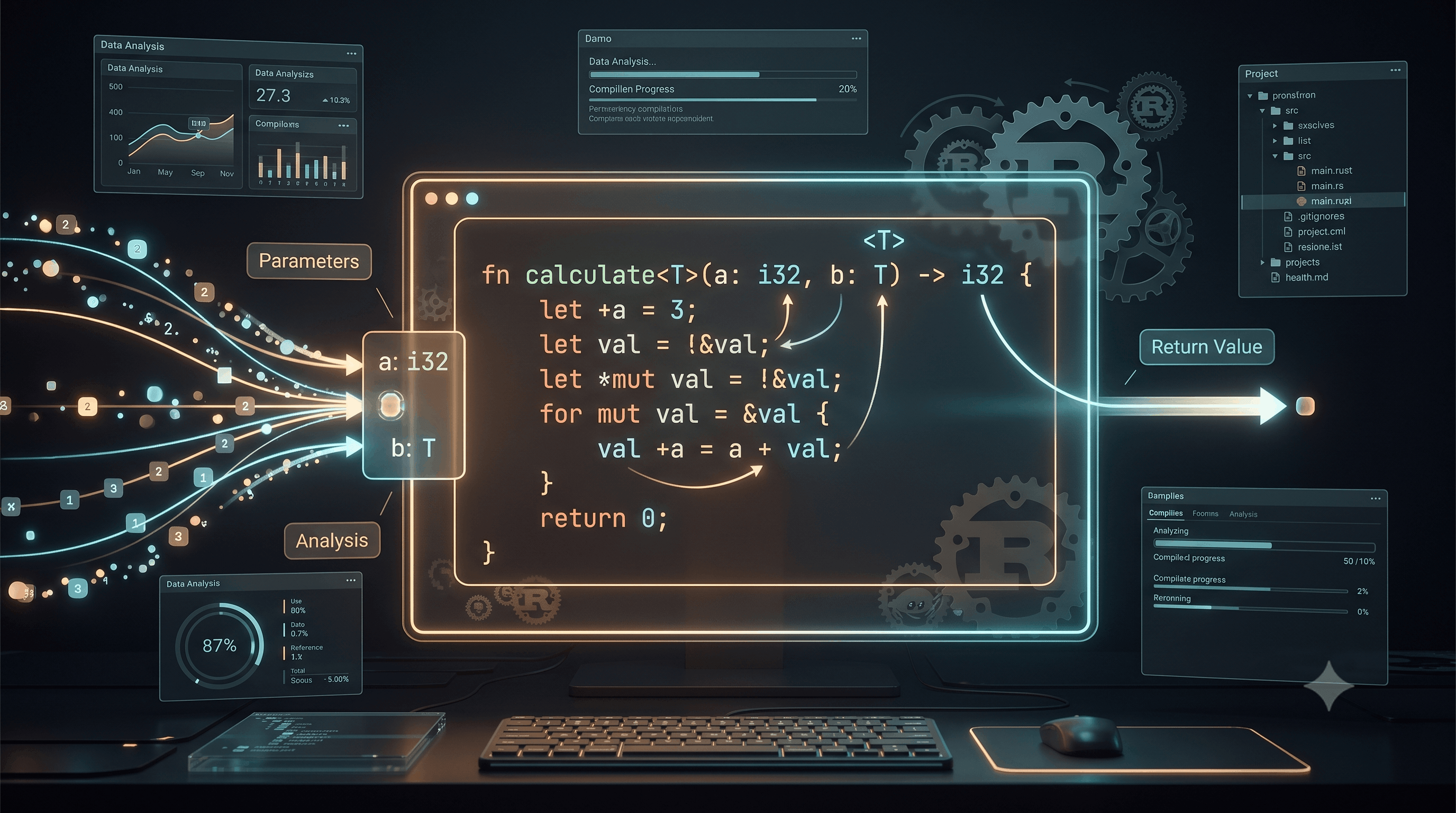 Rust Functions: Parameters, Return Values, Expressions, Generics & Scope
 How to Start a Biryani Business in India: Investment, Equipment, Menu, Profit & Technology — What Biryani By Kilo, Behrouz Biryani & Paradise Teach Entrepreneurs
 Dissecting the High-Level System Architecture of Booking.com
 Kanban vs. Scrum: Which Agile Methodology to Choose?
 The Scaling Journey of LinkedIn: From Startup to Professional Powerhouse
 Mastering Code Review: A Guide for Reviewers and PR Creators
 ChatGPT: Unveiling the Power of AI in Conversational Experiences with Kairos Coders

Kairos Coders are here to help
We've learned how Rust stores data and controls program execution.
Now it's time to learn one of the most fundamental building blocks of every serious Rust application:
Functions.
A function lets you package logic into a reusable unit.
Instead of writing:
println!("Welcome to Kairos Coders");
println!("Welcome to Kairos Coders");
println!("Welcome to Kairos Coders");
you can create:
fn welcome() {
    println!("Welcome to Kairos Coders");
}
and call it whenever you need:
welcome();
welcome();
welcome();
But Rust functions go much further than this.
In this article, we'll learn:
returnA function is a reusable block of code designed to perform a specific task.
Conceptually:
Input
  ↓
Function
  ↓
Output
For example:
Two numbers
    ↓
add()
    ↓
Sum
Functions help you:
Here's a simple Rust function:
fn greet() {
    println!("Hello, Rust!");
}
To execute it:
fn main() {
    greet();
}

fn greet() {
    println!("Hello, Rust!");
}
Output:
Hello, Rust!
The function is defined using:
fn
which stands for function.
The basic structure is:
fn function_name() {
    // code
}
For example:
fn calculate() {
    println!("Calculating...");
}
A function has:
fn
 ↓
name
 ↓
()
 ↓
{
    body
}
Defining a function doesn't execute it.
This:
fn greet() {
    println!("Hello!");
}
only defines the function.
You need to call it:
greet();
For example:
fn main() {
    greet();
}

fn greet() {
    println!("Hello!");
}
main() Special?You've already been using:
fn main() {
}
main is the entry point of a normal Rust executable.
When you run:
cargo run
Rust starts execution from:
main()
You can think of it as:
Program starts
      ↓
    main()
      ↓
other functions
Functions become much more useful when they accept data.
Example:
fn greet(name: &str) {
    println!("Hello, {name}!");
}
Now:
fn main() {
    greet("Rahul");
    greet("Aman");
}
Output:
Hello, Rahul!
Hello, Aman!
These terms are often confused.
In:
fn greet(name: &str) {
}
name is a parameter.
When we call:
greet("Rahul");
"Rahul" is an argument.
Think:
Function definition
        ↓
Parameter

Function call
        ↓
Argument
A function can accept multiple parameters.
fn add(a: i32, b: i32) {
    println!("{}", a + b);
}
Call it:
fn main() {
    add(10, 20);
}
Output:
30
The parameters are:
a → i32
b → i32
Rust requires you to specify parameter types.
This is valid:
fn add(a: i32, b: i32) {
    println!("{}", a + b);
}
But this is not:
fn add(a, b) {
}
Rust needs to know the types of function parameters.
This is part of Rust's strong type system.
A function doesn't have to print something.
It can calculate something and return the result.
fn add(a: i32, b: i32) -> i32 {
    a + b
}
Then:
fn main() {
    let result = add(10, 20);

    println!("{result}");
}
Output:
30
-> SyntaxThe arrow:
->
specifies the return type.
For example:
fn add(a: i32, b: i32) -> i32 {
    a + b
}
means:
Inputs:
i32
i32

Output:
i32
This is one of Rust's most important syntax rules.
Consider:
fn add(a: i32, b: i32) -> i32 {
    a + b
}
The final expression:
a + b
is returned automatically.
There is no semicolon.
Compare these:
fn add(a: i32, b: i32) -> i32 {
    a + b
}
and:
fn add(a: i32, b: i32) -> i32 {
    a + b;
}
The first returns the result.
The second has a statement ending with ;, so it doesn't return the integer expression.
This distinction is extremely important in Rust.
returnYou can also explicitly return a value:
fn add(a: i32, b: i32) -> i32 {
    return a + b;
}
This works.
However, idiomatic Rust often prefers the expression style:
fn add(a: i32, b: i32) -> i32 {
    a + b
}
Use explicit return when it improves control flow or readability.
A function can return many different types.
For example:
fn get_message() -> &'static str {
    "Hello from Rust"
}
Then:
fn main() {
    let message = get_message();

    println!("{message}");
}
We'll later explore why the return type contains:
&'static str
when we study references and lifetimes.
For now, understand that this function returns a string slice.
fn is_even(number: i32) -> bool {
    number % 2 == 0
}
Usage:
fn main() {
    let number = 10;

    if is_even(number) {
        println!("Even");
    } else {
        println!("Odd");
    }
}
Output:
Even
Functions can therefore integrate naturally with control flow.
A function can return multiple values using a tuple.
fn calculate(a: i32, b: i32) -> (i32, i32) {
    (a + b, a * b)
}
Usage:
fn main() {
    let (sum, product) = calculate(10, 5);

    println!("Sum: {sum}");
    println!("Product: {product}");
}
Output:
Sum: 15
Product: 50
This becomes useful when a function naturally produces multiple related results.
A function can also return arrays when the type and ownership/lifetime requirements are appropriate.
For example:
fn numbers() -> [i32; 3] {
    [10, 20, 30]
}
Usage:
fn main() {
    let values = numbers();

    println!("{}", values[0]);
}
Understanding this distinction is essential for writing idiomatic Rust.
A statement performs an action.
An expression produces a value.
For example:
let x = 10;
is a statement.
While:
10 + 20
is an expression because it produces:
30
Even a block can produce a value.
let result = {
    let a = 10;
    let b = 20;

    a + b
};
The block produces:
30
Notice the final expression:
a + b
has no semicolon.
That's why this works:
fn calculate() -> i32 {
    let a = 10;
    let b = 20;

    a + b
}
The function body is a block.
Its final expression becomes the return value.
This style is one of the things that makes Rust code concise without sacrificing explicitness.
Variables declared inside a function are local to that function.
fn calculate() {
    let number = 10;

    println!("{number}");
}
You cannot access number outside the function.
This won't work:
fn calculate() {
    let number = 10;
}

fn main() {
    println!("{number}");
}
The variable belongs to the scope of calculate.
fn first() {
    let value = 100;

    println!("{value}");
}

fn second() {
    let value = 200;

    println!("{value}");
}
Both functions can have a variable named value.
They are different variables because they belong to different scopes.
Rust blocks also create scope.
fn main() {
    let outer = 10;

    {
        let inner = 20;

        println!("{outer}");
        println!("{inner}");
    }

    println!("{outer}");
}
But:
println!("{inner}");
outside the block would be invalid.
The inner variable only exists inside its block.
mainThis works:
fn main() {
    greet();
}

fn greet() {
    println!("Hello!");
}
Rust doesn't require the function definition to appear before its call.
This allows you to organize code logically.
Functions can call other functions.
fn main() {
    start();
}

fn start() {
    println!("Starting...");

    initialize();
}

fn initialize() {
    println!("Initializing...");
}
The execution flow is:
main()
  ↓
start()
  ↓
initialize()
This is how larger applications are built from smaller pieces.
You can combine functions together.
fn square(number: i32) -> i32 {
    number * number
}

fn double(number: i32) -> i32 {
    number * 2
}

fn main() {
    let result = double(square(5));

    println!("{result}");
}
Execution:
5
 ↓
square()
 ↓
25
 ↓
double()
 ↓
50
Output:
50
This is the foundation of function composition.
Now we're moving toward intermediate Rust.
Suppose you want a function that works with multiple types.
Rust provides generics.
For example:
fn identity<T>(value: T) -> T {
    value
}
Here:
T
is a generic type parameter.
You can use it with different types.
fn main() {
    let number = identity(10);
    let text = identity("Rust");

    println!("{number}");
    println!("{text}");
}
The same function can work with different types.
<T>In:
fn identity<T>(value: T) -> T {
    value
}
T represents an arbitrary type.
Conceptually:
identity<i32>
identity<&str>
identity<String>
identity<YourStruct>
depending on what you pass to it.
Rust's compiler determines the concrete type when the function is used.
Consider:
fn first<T>(value: T) -> T {
    value
}
You could use:
let number = first(100);
let name = first("Rahul");
let active = first(true);
The same generic function works with all of them.
You can have more than one generic parameter.
fn pair<T, U>(first: T, second: U) -> (T, U) {
    (first, second)
}
Usage:
fn main() {
    let result = pair(10, "Rust");

    println!("{}", result.0);
    println!("{}", result.1);
}
Here:
T → i32
U → &str
The function accepts two different types.
Generics don't mean Rust becomes dynamically typed.
The compiler still knows the concrete types.
For example:
let result = pair(10, "Rust");
is compiled with the appropriate concrete types.
This provides:
Rust generics are heavily used throughout the standard library.
Here's where Rust starts becoming fundamentally different from many other languages.
Consider:
fn consume(value: String) {
    println!("{value}");
}

fn main() {
    let name = String::from("Rust");

    consume(name);

    // println!("{name}");
}
After passing name into consume, ownership of the String has moved.
Therefore, you can't use name afterward.
This is called move semantics.
Don't worry if this feels unfamiliar.
Ownership is the next major stage of our Rust series.
Instead of transferring ownership, you can borrow a value.
fn print_name(name: &String) {
    println!("{name}");
}

fn main() {
    let name = String::from("Rust");

    print_name(&name);

    println!("{name}");
}
Here:
&name
passes a reference.
The function can use the value without taking ownership.
We'll explore borrowing and references in depth later.
&str When AppropriateFor functions that only need to read string data, you will often see:
fn greet(name: &str) {
    println!("Hello, {name}!");
}
This is flexible because both string literals and borrowed String values can often be passed to it.
For example:
greet("Rust");
and:
let name = String::from("Rahul");
greet(&name);
This is an important idiom in Rust.
You can return references, but then Rust's borrowing and lifetime rules become important.
For example:
fn first_character(text: &str) -> Option<char> {
    text.chars().next()
}
This function doesn't return a reference; it returns an Option<char>.
That's often convenient when extracting a value.
Returning actual references requires careful lifetime reasoning, which we'll cover later.
ResultAs you advance in Rust, you'll frequently see functions return:
Result<T, E>
For example:
fn divide(a: f64, b: f64) -> Result<f64, String> {
    if b == 0.0 {
        Err(String::from("Cannot divide by zero"))
    } else {
        Ok(a / b)
    }
}
Usage:
fn main() {
    match divide(10.0, 2.0) {
        Ok(result) => println!("Result: {result}"),
        Err(error) => println!("Error: {error}"),
    }
}
Output:
Result: 5
Result will become one of the most important types in your professional Rust career.
Rust conventionally uses snake_case for function names.
Good:
calculate_total()
get_user()
process_payment()
create_account()
Avoid:
calculateTotal()
GetUser()
ProcessPayment()
Rust's ecosystem consistently follows snake_case.
A good function usually does one meaningful thing.
Instead of:
process_everything()
consider separating:
validate_user()
calculate_total()
save_order()
send_email()
Then compose them.
This makes code:
Let's build a small calculator using functions.
fn add(a: f64, b: f64) -> f64 {
    a + b
}

fn subtract(a: f64, b: f64) -> f64 {
    a - b
}

fn multiply(a: f64, b: f64) -> f64 {
    a * b
}

fn divide(a: f64, b: f64) -> f64 {
    a / b
}

fn main() {
    let a = 20.0;
    let b = 5.0;

    println!("Addition: {}", add(a, b));
    println!("Subtraction: {}", subtract(a, b));
    println!("Multiplication: {}", multiply(a, b));
    println!("Division: {}", divide(a, b));
}
Output:
Addition: 25
Subtraction: 15
Multiplication: 100
Division: 4
Now each operation has its own responsibility.
fn celsius_to_fahrenheit(celsius: f64) -> f64 {
    (celsius * 9.0 / 5.0) + 32.0
}

fn main() {
    let celsius = 25.0;

    let fahrenheit = celsius_to_fahrenheit(celsius);

    println!("{celsius}°C = {fahrenheit}°F");
}
Output:
25°C = 77°F
Let's create a function that compares two numbers.
fn maximum(a: i32, b: i32) -> i32 {
    if a > b {
        a
    } else {
        b
    }
}

fn main() {
    let result = maximum(50, 80);

    println!("Maximum: {result}");
}
Output:
Maximum: 80
Notice how the if expression directly becomes the function's return value.
Functions and loops work naturally together.
fn factorial(number: u64) -> u64 {
    let mut result = 1;

    for i in 1..=number {
        result *= i;
    }

    result
}

fn main() {
    println!("{}", factorial(5));
}
Output:
120
This kind of function will become useful when we start the algorithm portion of the series.
Let's revisit generics with something simple:
fn identity<T>(value: T) -> T {
    value
}

fn main() {
    let number = identity(42);
    let text = identity("Hello");

    println!("{number}");
    println!("{text}");
}
One function supports multiple types.
If your function returns a value, specify the type:
fn add(a: i32, b: i32) -> i32 {
    a + b
}
Incorrect:
fn add(a: i32, b: i32) -> i32 {
    a + b;
}
Correct:
fn add(a: i32, b: i32) -> i32 {
    a + b
}
If the function requires:
fn greet(name: &str) {
}
you can't call:
greet();
You need:
greet("Rust");
If you define:
fn double(number: i32) -> i32 {
    number * 2
}
this isn't valid:
double("10");
The function expects an i32.
This:
let name = String::from("Rust");

consume(name);

println!("{name}");
can fail because name was moved.
Understanding this behavior is critical before building larger Rust applications.
Create:
fn greet(name: &str)
that prints:
Hello, <name>!
Create a function:
square(number)
that returns the square of a number.
Create:
is_even(number)
that returns true if the number is even.
Create a function that accepts three integers and returns the largest one.
Create separate functions for:
add
subtract
multiply
divide
Write a function:
factorial(n)
that calculates n!.
Create:
fn identity<T>(value: T) -> T
and test it with:
Create functions for:
Celsius → Fahrenheit
Fahrenheit → Celsius
Think of functions like machines.
              ┌──────────────────┐
Input ───────→│     FUNCTION     │──────→ Output
              └──────────────────┘
For example:
10 ──┐
     ├──→ add() ──→ 30
20 ──┘
With generics:
Any Type
   ↓
generic function
   ↓
same type
With borrowing:
Value
  ↓
Reference
  ↓
Function
  ↓
Value remains owned by caller
With ownership:
Value
  ↓
Function
  ↓
Ownership moves
Understanding these models will make the upcoming ownership chapters much easier.
Pixels to Perfection Design that Impresses