
Rahul
 LeetCode #155: Min Stack — Design a Stack with O(1) Minimum Retrieval
 LeetCode #20: Valid Parentheses — Master the Stack Pattern
 LeetCode #15: 3Sum — Master Sorting, Two Pointers and Duplicate Handling
 Instruction vs Context in AI Prompts: How to Tell AI What to Do and What Information to Use
 Rust Structs and Enums: Building Powerful Data Models
 Dissecting the High-Level System Architecture of Booking.com
 Kanban vs. Scrum: Which Agile Methodology to Choose?
 The Scaling Journey of LinkedIn: From Startup to Professional Powerhouse
 Mastering Code Review: A Guide for Reviewers and PR Creators
 ChatGPT: Unveiling the Power of AI in Conversational Experiences with Kairos Coders

Kairos Coders are here to help
A PDF file is normally designed to preserve its layout, text, images, fonts, and other document elements across different devices and applications.
However, PDF files can sometimes become damaged or corrupted.
A corrupted PDF may:
When this happens, you may not necessarily need to give up on the document.
A PDF repair tool can attempt to reconstruct parts of the damaged document and recover usable information.
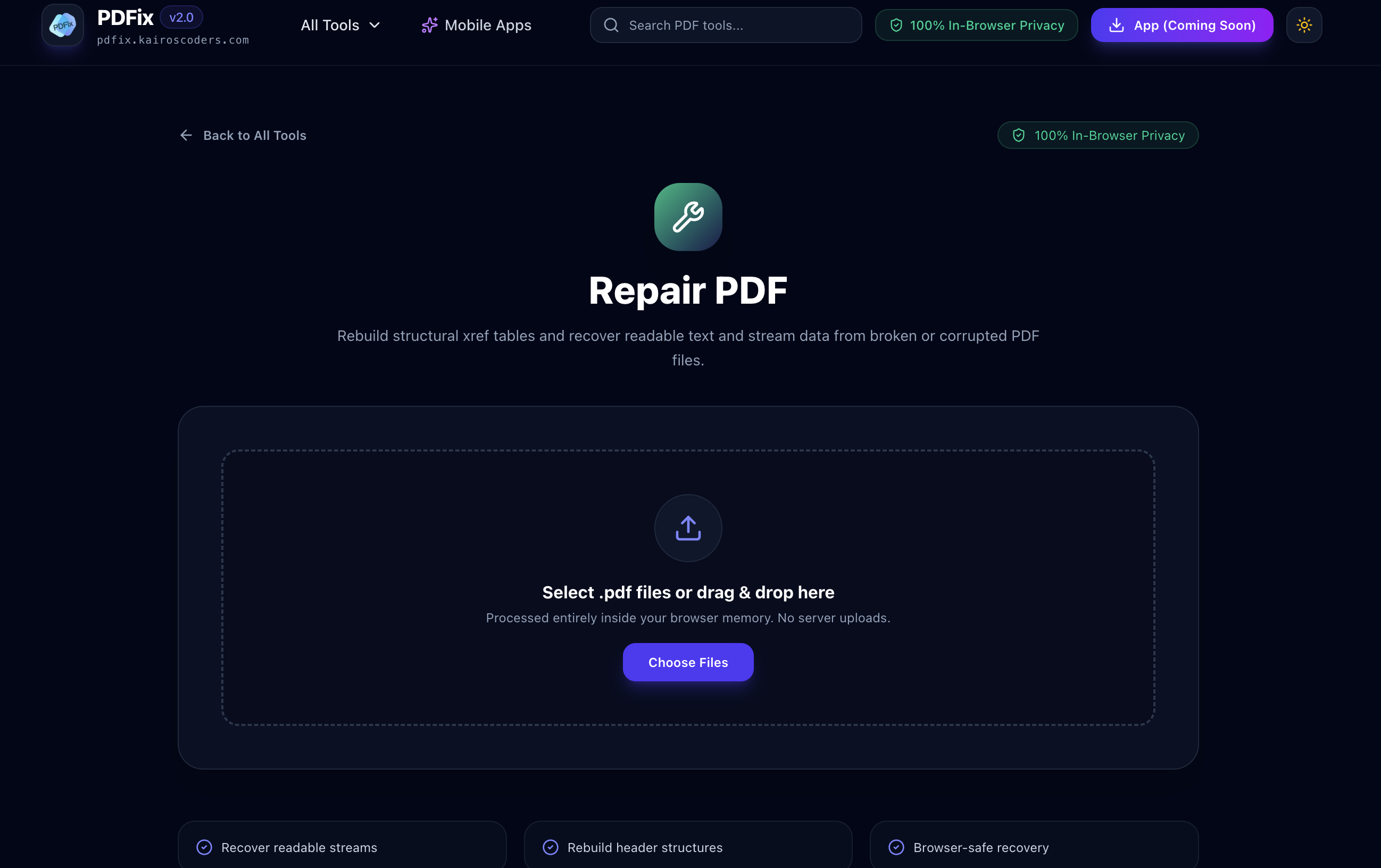
The PDFix Repair PDF tool is designed to rebuild structural PDF information and recover readable text and stream data from broken or corrupted PDF files.
There are several reasons a PDF can become damaged.
If a PDF download is interrupted or incomplete, the resulting file may not contain all of the information required to open correctly.
Moving files between devices, storage systems, or networks can occasionally result in incomplete or damaged files.
A PDF creation or editing application may encounter an error while writing the document.
File-system issues or damaged storage media can affect documents stored on a computer, external drive, or other storage device.
If a document is being generated, edited, or saved when a system suddenly shuts down, the resulting PDF may become invalid or incomplete.
A PDF contains internal structural information that helps PDF readers locate objects and data.
If this structure becomes damaged, a PDF viewer may have difficulty interpreting the file.
PDF repair is the process of attempting to reconstruct a damaged PDF's internal structure and recover usable document data.
A PDF contains various structural components, including information that helps software locate objects within the file.
One important component is the cross-reference table, commonly called an xref table.
When structural information becomes damaged, a repair process can attempt to rebuild it so that PDF software has a better chance of interpreting the document.
PDFix's Repair PDF tool specifically focuses on rebuilding structural xref information and recovering readable text and stream data from broken PDF files.
The cross-reference table, or xref table, is an important part of the internal structure of a PDF.
It helps identify where objects are located inside the PDF file.
You can think of it as an internal index.
A simplified example:
→ Object 1
→ Object 2
→ Object 3
→ Object 4
The xref structure helps the PDF reader locate those objects efficiently.
If this information becomes corrupted, a PDF reader may be unable to correctly locate some of the document's objects.
A repair process can attempt to reconstruct this information.
If a PDF is broken or won't open correctly, you can try repairing it with PDFix.
Visit the PDFix Repair PDF tool.
Choose the PDF file that is failing to open or displaying corrupted content.
It is generally a good idea to work with a copy of the original file so that the original remains unchanged.
Start the PDF repair process.
The tool attempts to analyze the damaged PDF structure and reconstruct information required to interpret the document.
Depending on the condition of the PDF, the repair process may recover readable text and stream data from the damaged file.
If the repair is successful, save the resulting PDF and open it with a PDF reader to verify the recovered content.
The amount of data that can be recovered depends on how severely the PDF is damaged.
A repair process may be able to recover information such as:
However, PDF repair cannot guarantee complete recovery in every situation.
If the underlying file data has been completely overwritten or is missing, a repair tool may not be able to reconstruct it.
If a PDF is damaged, you may consider recreating it from the original source.
However, recreating a document can be difficult if:
Repairing the existing PDF can be worth trying before starting the document from scratch.
Not every PDF problem is obvious.
Here are some common warning signs.
Your PDF reader may display an error instead of opening the document.
The file opens, but some pages may not appear.
Some parts of the document may appear blank or incomplete.
Images, graphics, or other elements may fail to display correctly.
Your PDF application may report that the document is damaged, invalid, or unreadable.
Sometimes a damaged PDF may open in one application but fail in another.
This can indicate that the file contains structural problems.
PDF repair is worth considering when you have an important PDF that:
Before abandoning the file, attempting a repair may help recover information that is still present.
You download an important PDF, but the file fails to open.
You still have the downloaded file, so you can attempt to repair its structure.
A company report opens but some content is missing.
A PDF repair process may be able to recover readable information that remains inside the document.
You find an old PDF in an archive, but modern PDF readers report an error.
Repairing the file may help reconstruct its internal structure.
A PDF becomes unreadable after being transferred between systems.
If the file still contains useful data, a repair attempt may recover some of its contents.
A scanned PDF contains important information but has become partially corrupted.
A repair tool can be used to attempt recovery of readable data.
PDF repair and data recovery are related, but they are not exactly the same thing.
PDF repair works with the PDF file itself and attempts to reconstruct its structure or recover usable content.
Data recovery generally refers to recovering deleted or lost files from storage media.
For example:
PDF Repair
Damaged PDF → Repair Structure → Recover Available Data
File Recovery
Deleted File → Storage Recovery → Restore File
If you still have the damaged PDF file, repairing it is a logical first step.
No.
PDF repair has limitations.
A repair tool can only recover information that is still present in the file.
For example, if important data has been completely overwritten, removed, or severely damaged, it may not be possible to recover it.
The success of a repair attempt depends on factors such as:
For this reason, PDF repair should be viewed as an attempt to recover usable content, not a guarantee of complete restoration.
Never overwrite your only copy of a damaged PDF.
Create a duplicate and attempt repairs on the copy.
For example:
Important-Document.pdf
Copy:
Important-Document-Repair.pdf
If the PDF suddenly has an unusual file size, it may indicate that the file is incomplete or damaged.
For example, if a normally large document is unexpectedly only a few kilobytes, the file may be incomplete.
Sometimes a PDF that fails in one application may still open in another.
This doesn't necessarily mean the document is corrupted, but trying another reader can help determine whether the problem is application-specific.
If the PDF was downloaded from a website, consider downloading it again.
If it was sent by email, ask the sender to resend it.
Always maintain a backup of important documents.
PDF repair is useful, but prevention is better than recovery.
Students may need to recover assignments, research papers, certificates, or study materials.
Companies may need to recover reports, contracts, invoices, financial documents, and archived records.
Researchers may have years of papers, reports, and scanned documents stored as PDFs.
Professionals may need to recover important presentations, proposals, manuals, or project documentation.
Organizations maintaining large digital archives may occasionally encounter damaged PDF files that need structural repair.
These tools solve completely different problems.
Damaged PDF → Attempt structural recovery → Repaired PDF
Large PDF → Reduce file size → Smaller PDF
If your PDF opens normally but is simply too large, compression is appropriate.
If your PDF is damaged or fails to open, repair is the more relevant operation.
Used when the PDF itself is damaged.
Broken PDF → Repair → Recoverable PDF
Used when you want to separate pages.
One PDF → Selected Pages → Multiple PDF Files
If the document is corrupted, repair it first before attempting other PDF operations.
An organizer is designed to manage healthy PDF pages.
You can use it to:
A repair tool serves a different purpose.
It attempts to reconstruct damaged PDF structure and recover usable data.
If the PDF cannot be opened or interpreted correctly, repairing it may need to come before organizing its pages.
A PDF repair tool attempts to fix structural problems in damaged PDF files and recover usable document data.
Yes. Browser-based PDF repair tools can attempt to repair damaged PDF files without requiring traditional desktop PDF software.
Sometimes. The possibility of recovery depends on the type and severity of the corruption and how much usable data remains in the file.
An xref, or cross-reference table, is part of a PDF's internal structure that helps identify where objects are located within the document.
Xref information can become damaged due to incomplete file creation, interrupted transfers, software errors, or other forms of file corruption.
A repair process may recover readable text if the relevant data is still present in the damaged PDF.
Recovery depends on the condition of the PDF and whether the underlying image or stream data remains intact.
No. A repair tool cannot guarantee complete recovery. If parts of the underlying data are missing or permanently damaged, those parts may not be recoverable.
Yes. Always preserve the original damaged file and work on a copy whenever possible.
No. PDF editing changes document content, while PDF repair attempts to reconstruct damaged structure and recover usable information.
A corrupted PDF doesn't always mean that your document is permanently lost.
If the file still contains usable data, a PDF repair process may be able to reconstruct damaged structural information and recover readable content.
Try PDFix Repair PDF when you're dealing with a broken, corrupted, or unreadable PDF file.
The tool is designed to:
Keep in mind that severely damaged files may not be completely recoverable.
If the document contains important information, always keep the original file and any available backups.
Broken PDF? Try repairing it before giving up on the document.
Pixels to Perfection Design that Impresses