
Rahul
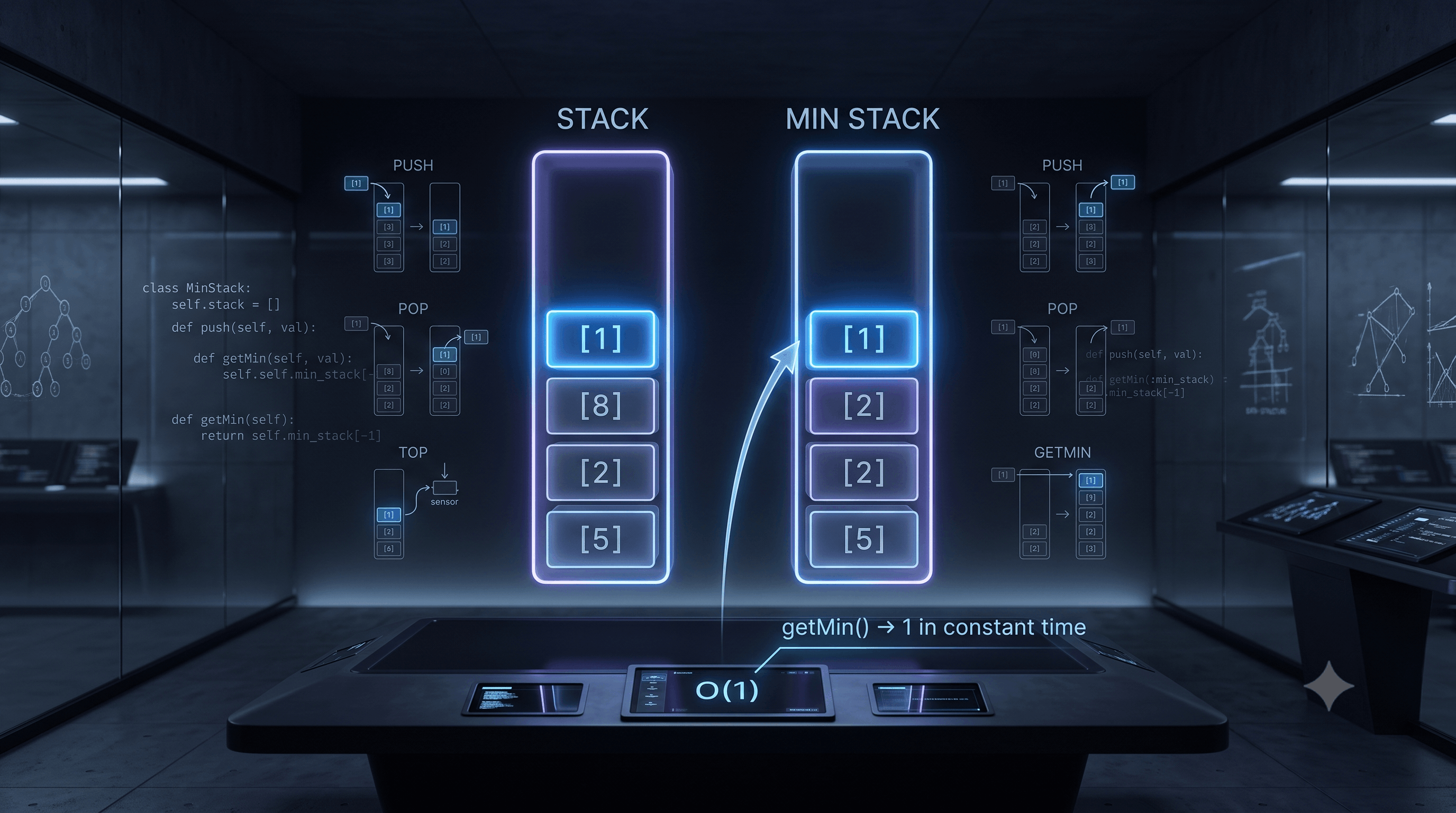 LeetCode #155: Min Stack — Design a Stack with O(1) Minimum Retrieval
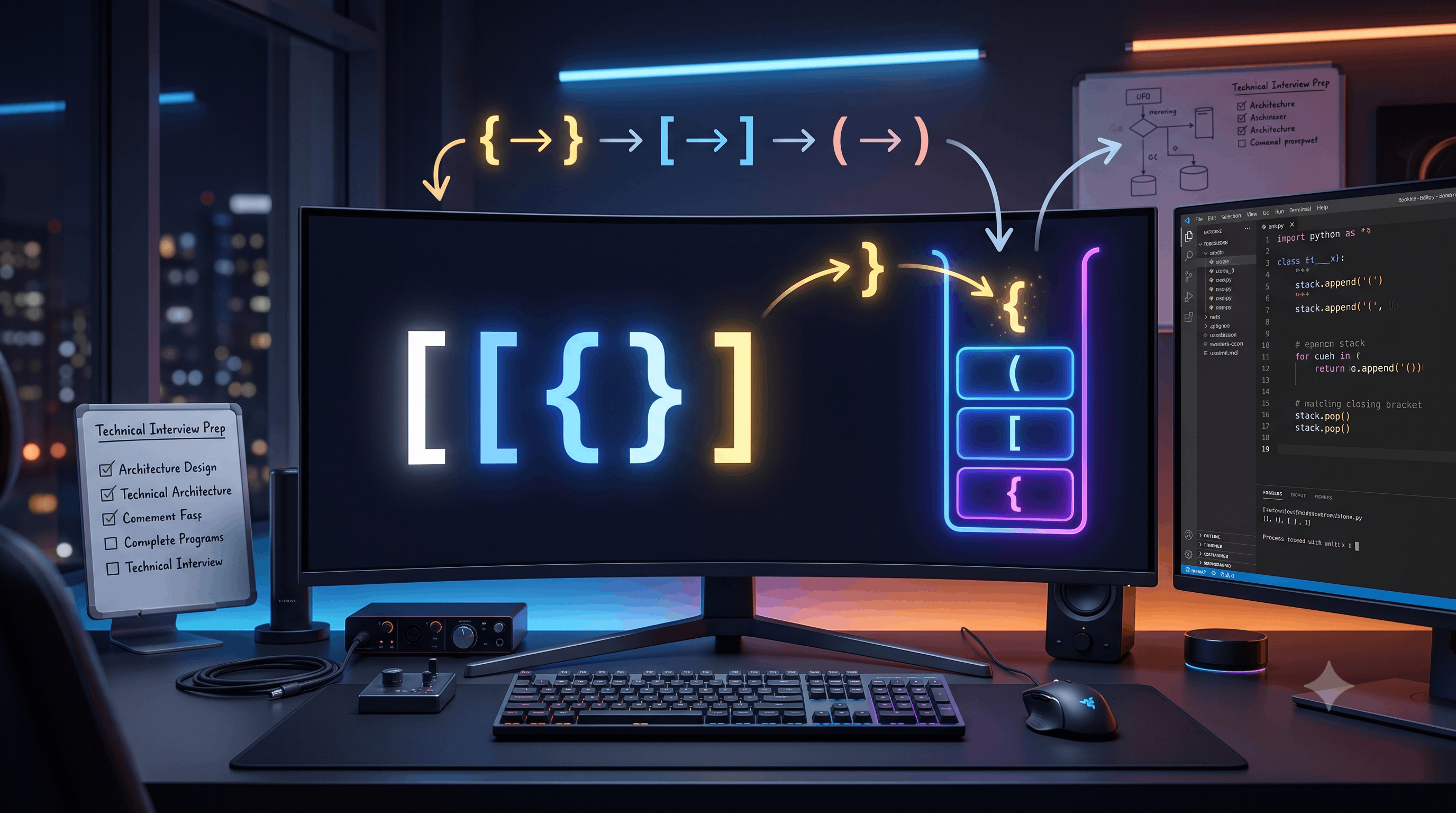 LeetCode #20: Valid Parentheses — Master the Stack Pattern
 LeetCode #15: 3Sum — Master Sorting, Two Pointers and Duplicate Handling
 Instruction vs Context in AI Prompts: How to Tell AI What to Do and What Information to Use
 Rust Structs and Enums: Building Powerful Data Models
 Dissecting the High-Level System Architecture of Booking.com
 Kanban vs. Scrum: Which Agile Methodology to Choose?
 The Scaling Journey of LinkedIn: From Startup to Professional Powerhouse
 Mastering Code Review: A Guide for Reviewers and PR Creators
 ChatGPT: Unveiling the Power of AI in Conversational Experiences with Kairos Coders
Kairos Coders are here to help
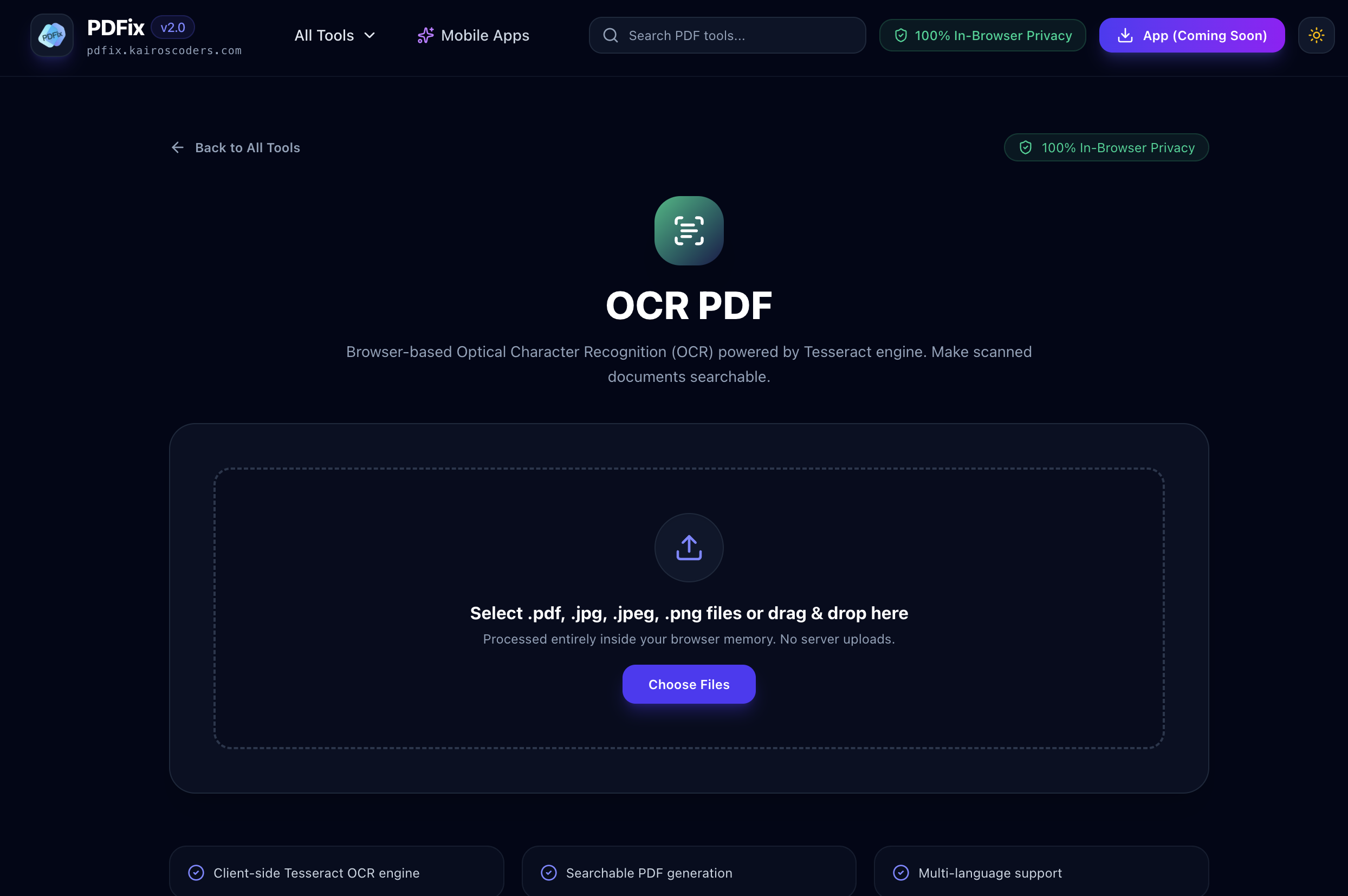
OCR stands for Optical Character Recognition.
It is a technology that analyzes images of text and attempts to convert the visible characters into machine-readable text.
This is especially useful for scanned documents.
For example, imagine you scan a printed document and save it as a PDF.
Although you can see the words on the page, your computer may not recognize them as actual text.
Without OCR:
Scanned page → Image of text
With OCR:
Scanned page → Recognized text
This makes the document much easier to search, copy, and work with.
The PDFix OCR PDF tool uses browser-based Optical Character Recognition powered by the Tesseract OCR engine to process scanned PDF documents and make their text searchable.
A searchable PDF contains text that can be recognized and indexed by PDF readers.
Consider a scanned book.
Without OCR, searching for a word may return no results because the words are stored as images.
After OCR processing, the document can contain a recognized text layer.
You can then search for words or phrases within the PDF.
For example:
Before OCR
Scanned image of a document
↓
After OCR
Recognized text + original page appearance
This makes large scanned documents much easier to navigate.
Scanned PDFs are often created from physical documents.
While they preserve the visual appearance of the original document, they may not contain machine-readable text.
OCR can help turn those scanned pages into more useful digital documents.
Common reasons to use OCR include:
Using the PDFix OCR tool is designed to be straightforward.
Visit the PDFix OCR PDF tool.
Choose the PDF document that contains scanned pages or image-based text.
Start the OCR process.
The browser-based OCR engine analyzes the pages and attempts to identify characters and words within the document.
The OCR process examines the scanned content and creates recognizable text information.
The time required can depend on factors such as:
Once processing is complete, save the resulting PDF.
You can then open it in a compatible PDF reader and search for recognized text.
OCR generally involves several stages.
A simplified workflow looks like this:
Scanned PDF
↓
Page/Image Analysis
↓
Text Detection
↓
Character Recognition
↓
Recognized Text
↓
Searchable PDF
The OCR engine examines the visual representation of the page and attempts to determine which parts represent letters, numbers, words, and other text.
Tesseract is an open-source Optical Character Recognition engine originally developed at Hewlett-Packard and later maintained by the open-source community.
It is widely used for recognizing text in images and scanned documents.
PDFix uses the Tesseract engine in the browser for its OCR PDF workflow.
This makes it possible to perform OCR without relying on a traditional desktop OCR application.
Scanned documents are one of the most common applications for OCR.
For example, you may have scanned:
The resulting PDF may look exactly like the original document but may not contain searchable text.
OCR can help bridge this gap.
Imagine a 100-page scanned report.
You want to find every occurrence of the word:
"Revenue"
Without OCR, you may need to manually examine the pages.
After OCR, you can search the document for the word and jump to relevant locations, depending on the quality of recognition and the PDF reader being used.
One of the biggest advantages of OCR is searchability.
Consider a scanned PDF containing hundreds of pages.
Without OCR:
Search → No recognized text
With OCR:
Search → Find recognized words
This can dramatically improve the usability of large document collections.
OCR can also make text within scanned documents more accessible to software.
For example, a scanned page containing:
Invoice Number: 48291
may initially just be an image.
After OCR, the system attempts to recognize:
Invoice Number: 48291
This recognized text can then be searched or potentially selected depending on how the resulting PDF is constructed.
OCR accuracy can vary depending on the source document.
Not every PDF needs OCR.
There are two common types of PDFs.
The document already contains machine-readable text.
For example:
Text → Actual PDF text objects
You can normally search and select the text without OCR.
The document contains images of pages.
For example:
Text → Image of text
OCR is useful for converting the visible text into machine-readable information.
A simple way to check is to open the PDF and try selecting some text.
If you can highlight individual words and copy them, the PDF may already contain a text layer.
If you cannot select or search the visible text because every page behaves like an image, OCR may be useful.
Another common sign is when:
Ctrl/Cmd + F → Search term → No result
even though the word is clearly visible on the page.
Libraries, archives, organizations, and individuals often have collections of old printed documents.
These may have been scanned and stored as image-based PDFs.
OCR can help make these collections more accessible.
Examples include:
The quality of OCR depends heavily on the quality and condition of the original scans.
Businesses handle large quantities of paperwork.
OCR can be useful for documents such as:
Making scanned documents searchable can make it easier to locate information without manually checking every page.
Students and researchers often work with scanned books, papers, reports, and reference material.
A searchable PDF can make research more efficient.
For example, instead of manually browsing a 300-page scanned document, you can search for terms such as:
The OCR result depends on the quality of the scanned source.
Invoices and receipts are often scanned or photographed.
OCR can help recognize information such as:
However, OCR results should always be reviewed when dealing with financial information because recognition errors can occur.
OCR is not perfect.
Recognition quality can depend on several factors.
Higher-quality scans generally provide clearer characters for recognition.
Low-resolution images can make letters difficult to distinguish.
Clear, standard fonts are usually easier to recognize than unusual or decorative fonts.
Handwritten text can be significantly more difficult for OCR systems to recognize than clean printed text.
Old, faded, stained, or damaged documents may produce less accurate results.
If a scanned page is heavily tilted, text recognition may become more difficult.
Tables, columns, diagrams, and unusual layouts can make OCR more challenging.
Whenever possible, start with a clear scan.
Avoid heavily tilted or distorted pages.
Clear contrast between text and background can help recognition.
Stains, shadows, and other visual artifacts can interfere with OCR.
For important documents, verify OCR output rather than assuming every recognized character is correct.
This is especially important for:
PDFix provides a browser-based OCR workflow powered by Tesseract.
This means OCR processing can be performed through the web interface rather than requiring users to install a traditional desktop OCR application.
Browser-based tools can be convenient when you need OCR occasionally and don't want to configure specialized software.
These operations have different goals.
Scanned PDF → Recognized/Searchable PDF
The goal is to make scanned content searchable and recognizable.
PDF → Editable Word document
The goal is to convert the PDF into another document format.
OCR can sometimes be an important step when working with scanned PDFs before attempting further document processing.
These tools solve different problems.
Used to recognize text in scanned documents.
Scanned PDF → Searchable PDF
Used to reduce document file size.
Large PDF → Smaller PDF
You may use both tools as part of a document workflow.
For example:
Scan → OCR → Compress → Share
Repair and OCR are also different.
Used when the PDF's structure is damaged or corrupted.
Broken PDF → Structural Recovery
Used when the PDF is readable but its pages contain image-based text.
Scanned PDF → Text Recognition
A PDF can potentially need both operations, depending on the problem.
Convert scanned study materials into searchable PDFs.
Make scanned worksheets and educational materials easier to search.
Process scanned invoices, contracts, forms, and reports.
Search large collections of scanned papers and books.
Create searchable digital archives from scanned historical documents.
Work more efficiently with scanned paperwork and reference materials.
A 200-page book has been scanned into a PDF.
OCR can make the text searchable.
A scanned research paper contains important information but no selectable text.
OCR can attempt to recognize the printed content.
A company has thousands of scanned invoices.
OCR can make the documents easier to search for invoice numbers and other visible information.
A completed form has been scanned as a PDF.
OCR can attempt to recognize the printed information within the scan.
Old printed records can be processed with OCR to make their text more accessible for digital research.
OCR, or Optical Character Recognition, is technology that identifies text in images or scanned documents and converts it into machine-readable text.
An OCR PDF is a PDF containing recognized text associated with scanned or image-based pages, making the document searchable and potentially selectable.
Yes. Browser-based OCR tools can process scanned PDFs and attempt to make their text searchable.
Yes. One of the main purposes of OCR is to recognize text in scanned documents so that it can be searched.
OCR can recognize text from scanned pages and make that text available to PDF software, depending on how the resulting PDF is created.
PDFix's OCR PDF tool uses the Tesseract OCR engine for browser-based text recognition.
No. OCR accuracy depends on the quality of the scan, font, layout, image quality, language, and other factors. Important information should always be checked after OCR processing.
OCR is generally more effective with clear printed text than handwriting. Results for handwritten documents can vary considerably.
OCR can add recognized text information while preserving the visual appearance of the scanned page, depending on the resulting PDF structure.
No. If a PDF already contains selectable and searchable text, OCR may not be necessary.
The feasibility depends on the tool, document size, number of pages, and available system resources. Larger documents may take longer to process.
Scanned PDFs are useful for preserving physical documents, but image-based pages can be difficult to search and work with.
OCR helps bridge that gap by recognizing text within scanned pages.
With PDFix OCR PDF, you can use browser-based Tesseract OCR to process scanned PDF documents and make their recognized text searchable.
Whether you're working with scanned books, research papers, invoices, forms, business documents, or archived paperwork, OCR can turn static page images into more useful digital documents.
Scanned document → OCR → Recognized text → Searchable PDF.
Pixels to Perfection Design that Impresses